Capturing Extended Depth of Field (EDF) images with the Zeiss Smartzoom 5
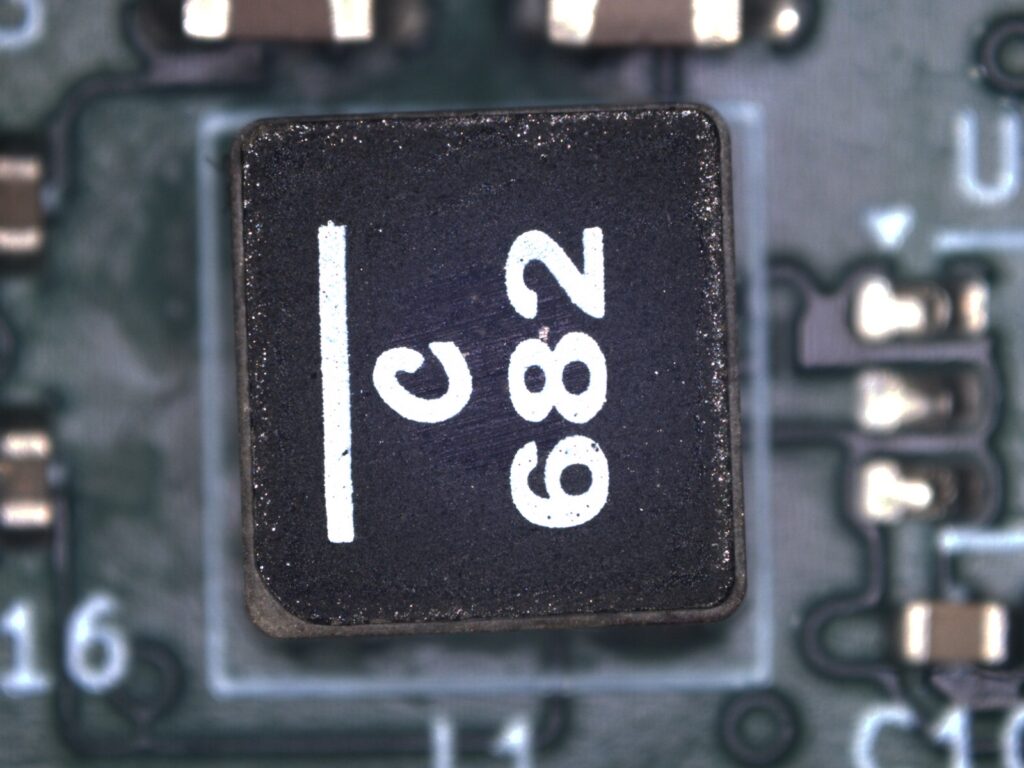
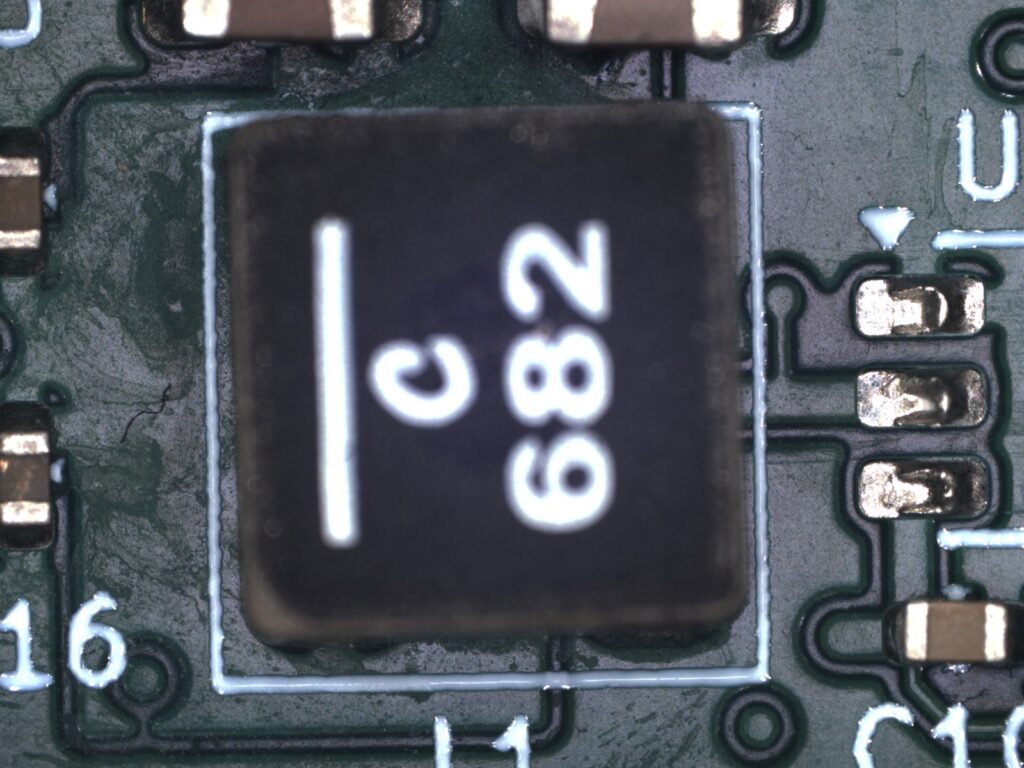
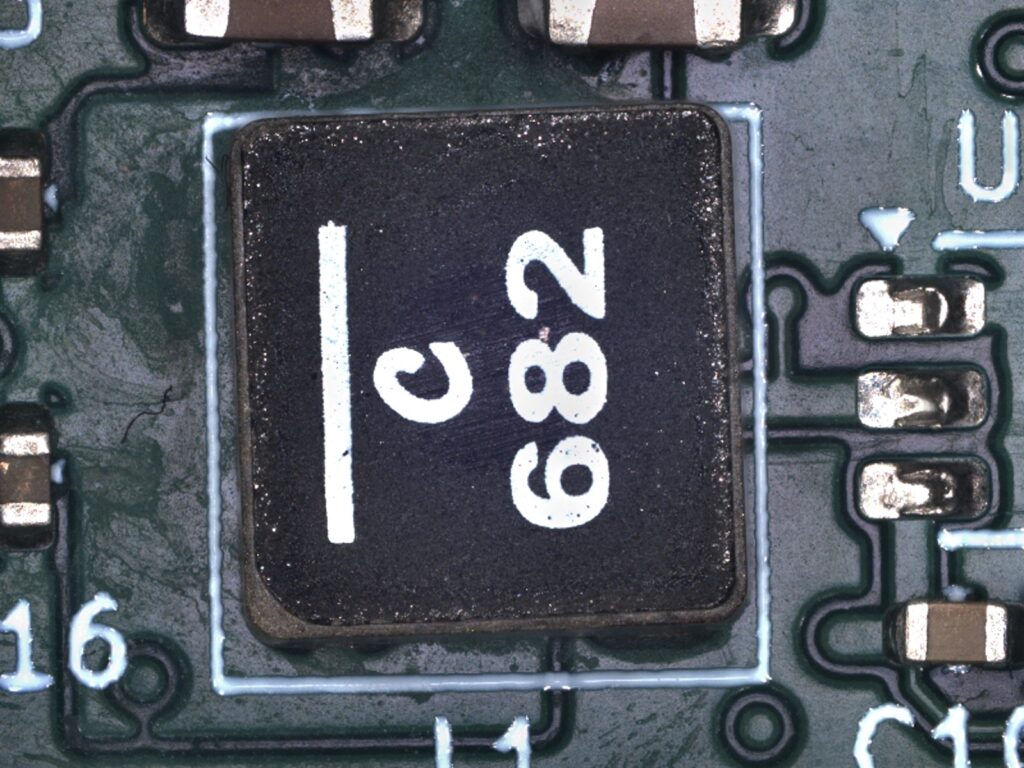
It is sometimes desirable to have more in an image in focus than the physics of the lens and aperture will allow. The Smartzoom 5 software allows for automatic “focus stacking” where it takes a series of images at different focus heights and then combines them together into one fully focused image.
Start by preparing the microscope and the object you are imaging.
Using the focus slider or the hand wheel, focus on the lowest part of the object.
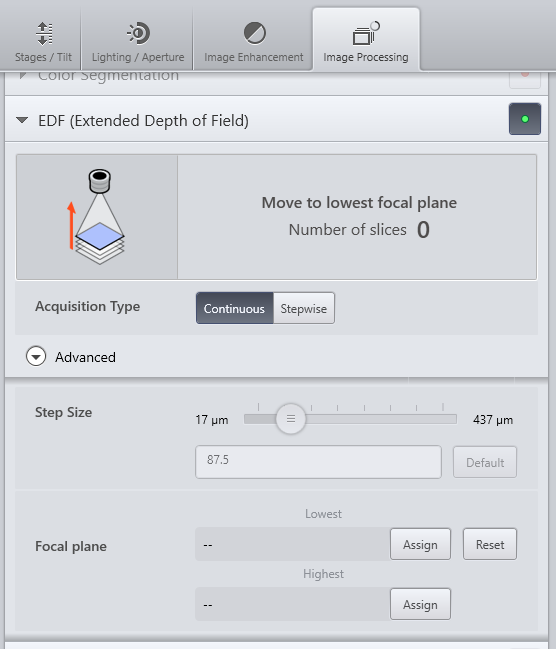
Select the Image Processing tab, then click the button to the right of “EDF (Extended Depth of Field)” so that it is green.
Expand the row.
Click Assign next to the “Lowest Focal Plane” box.
Using the focus slider or the hand wheel, focus on the highest part of the object.
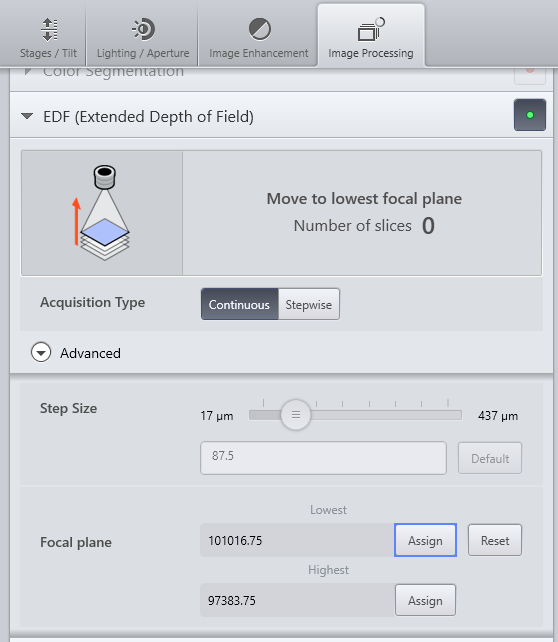
Click Assign next to the “Highest Focal Plane” box.
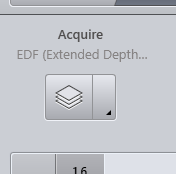
In the top left of the screen click the Acquire button, which has changed its icon.
Be careful to not touch or knock the microscope during the image capture process.
The microscope will automatically capture a series of images and merge them together.