Revealing hidden details with Smartzoom 5’s lighting modes
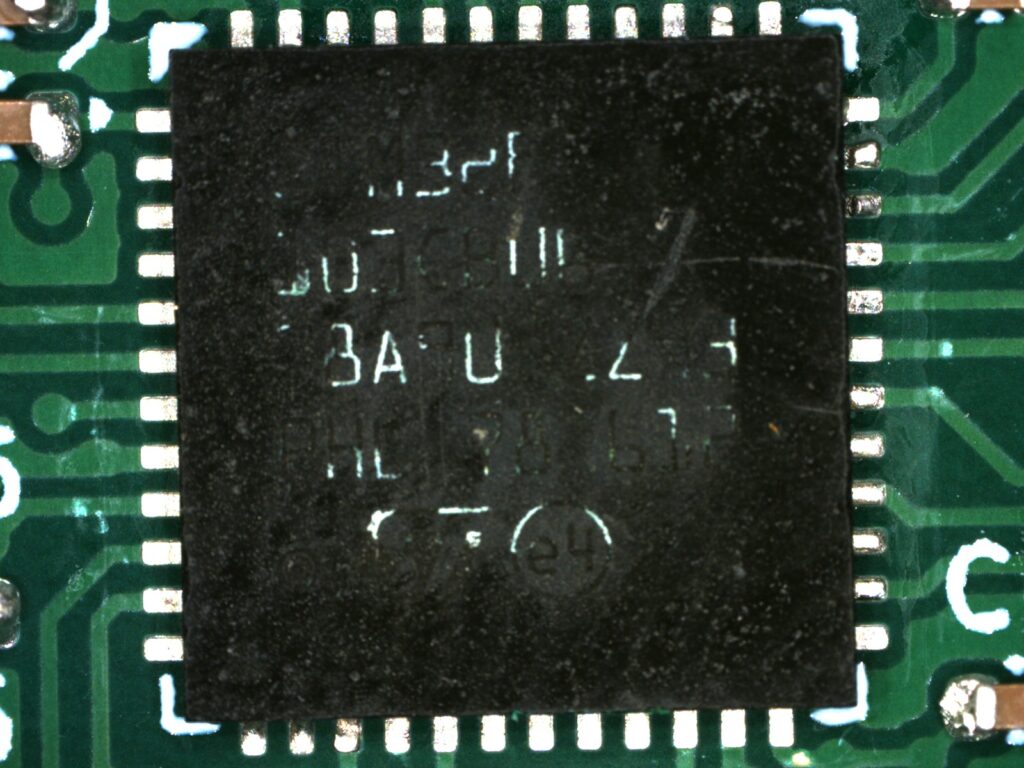
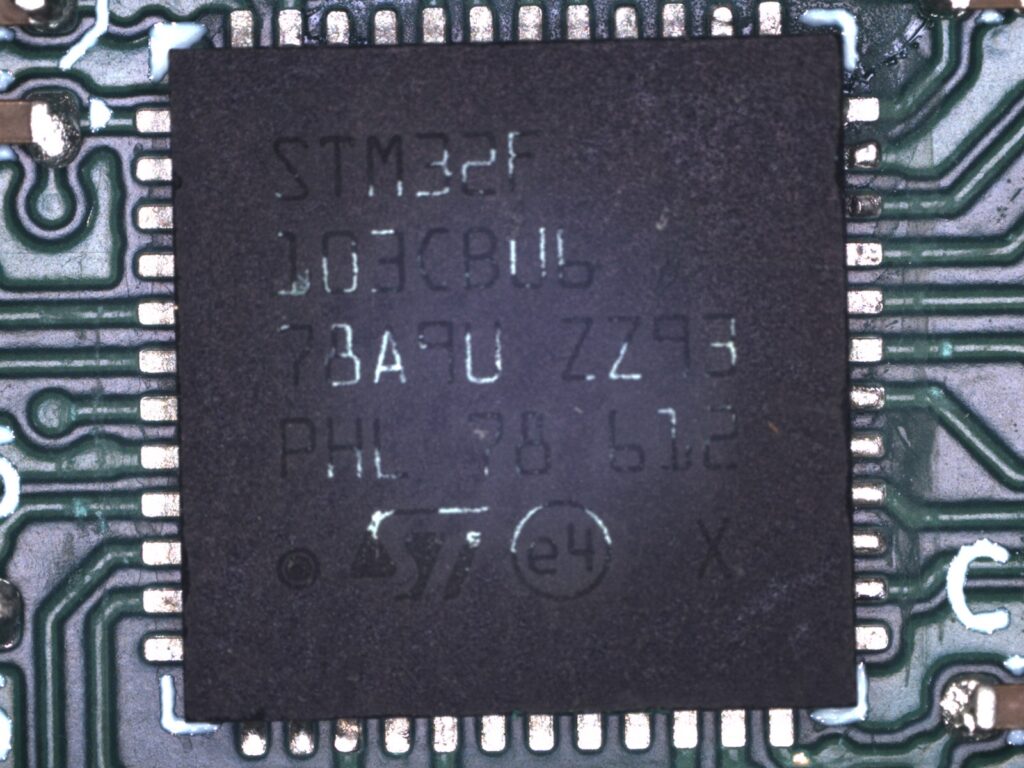
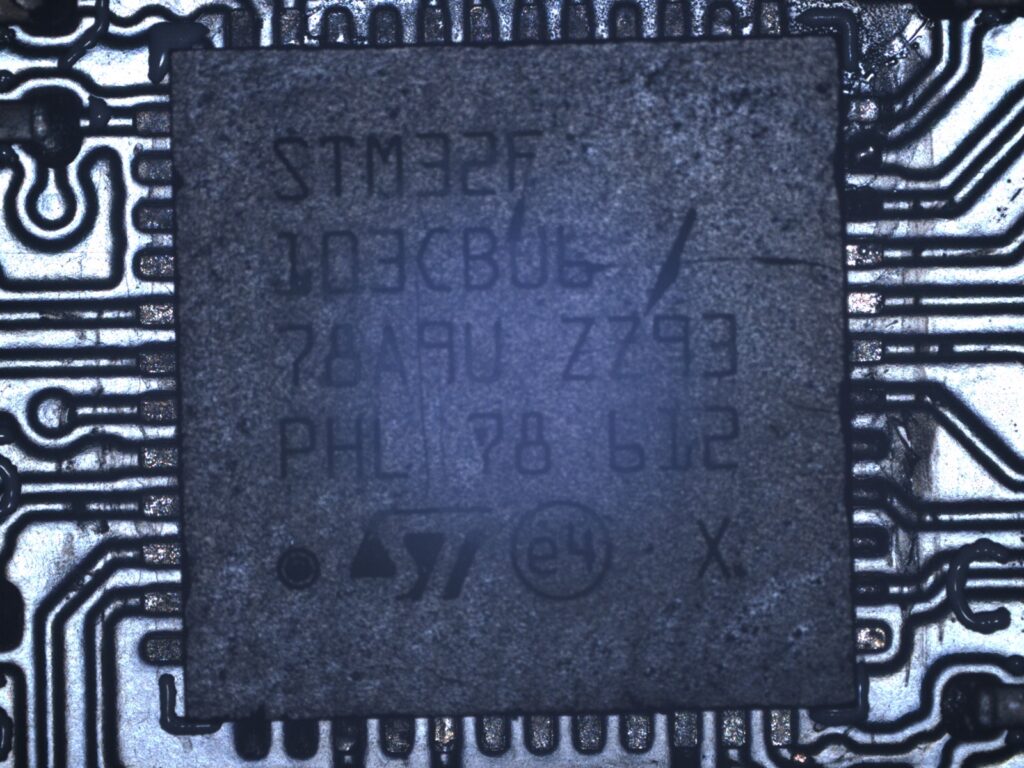
Certain features, like laser etched marks on the top of integrated circuits, are difficult to read under certain types of light. By adjusting or combining light sources these features can be made more readable.
Start by preparing the microscope and the object you are imaging.
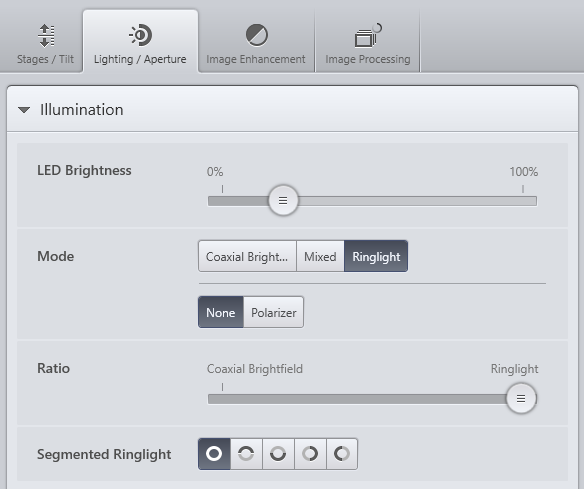
Go to the Lighting/Aperture tab.
Using the Mode selector, switch between Coaxial Bright, Mixed, and Ringlight.
You can use the Segmented Ringlight options and the ratio slider to adjust how the different light sources behave.