Starting a job on the laser cutter
Hazards


All three of our Epilog laser cutters operate in broadly the same way. Turn on the extraction, turn laser on, and make sure the laser is focused on the top of your material before starting the job.
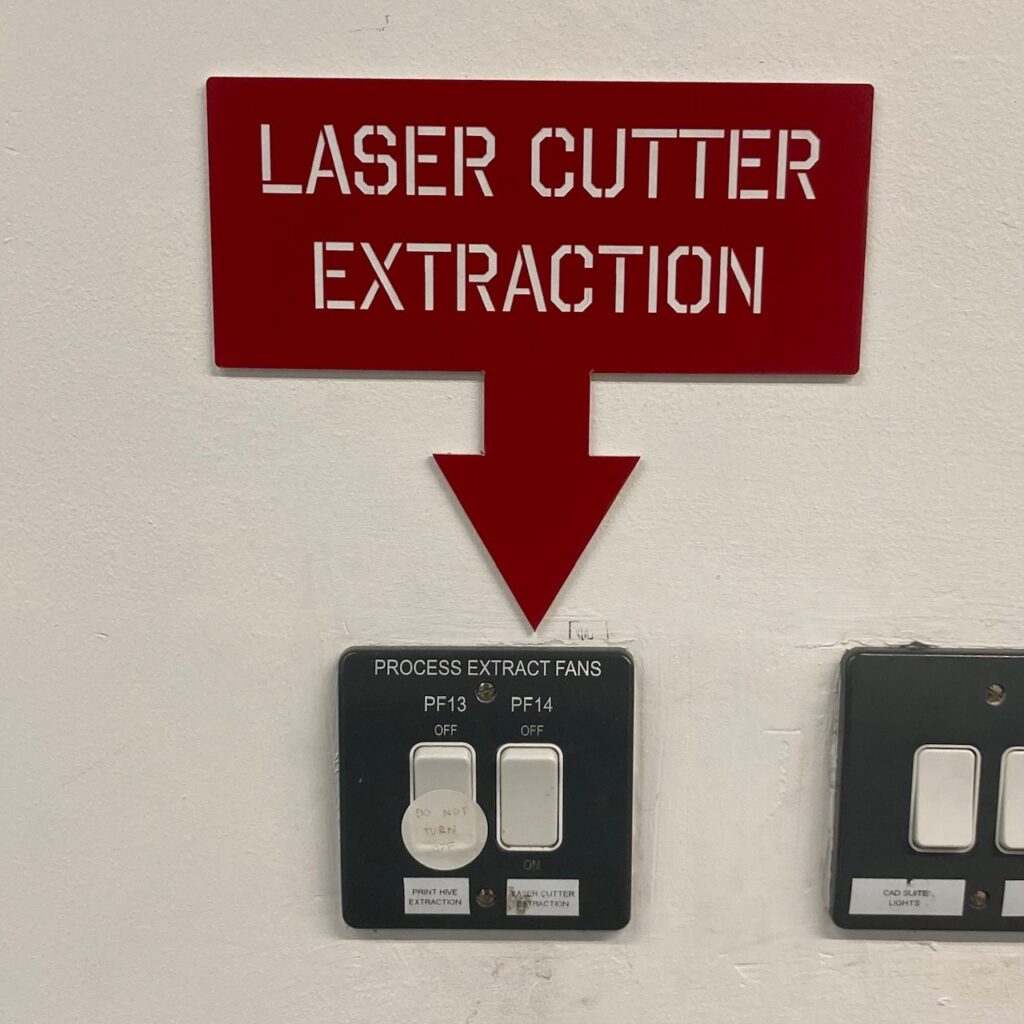
Turn on the laser cutter extraction by setting the switch to “On”. This switch is located opposite the Technician’s Office as you enter the Maker Space.
The extraction must be used when laser cutting – the fumes and smoke that are emitted during cutting are hazardous to both you and the machine.
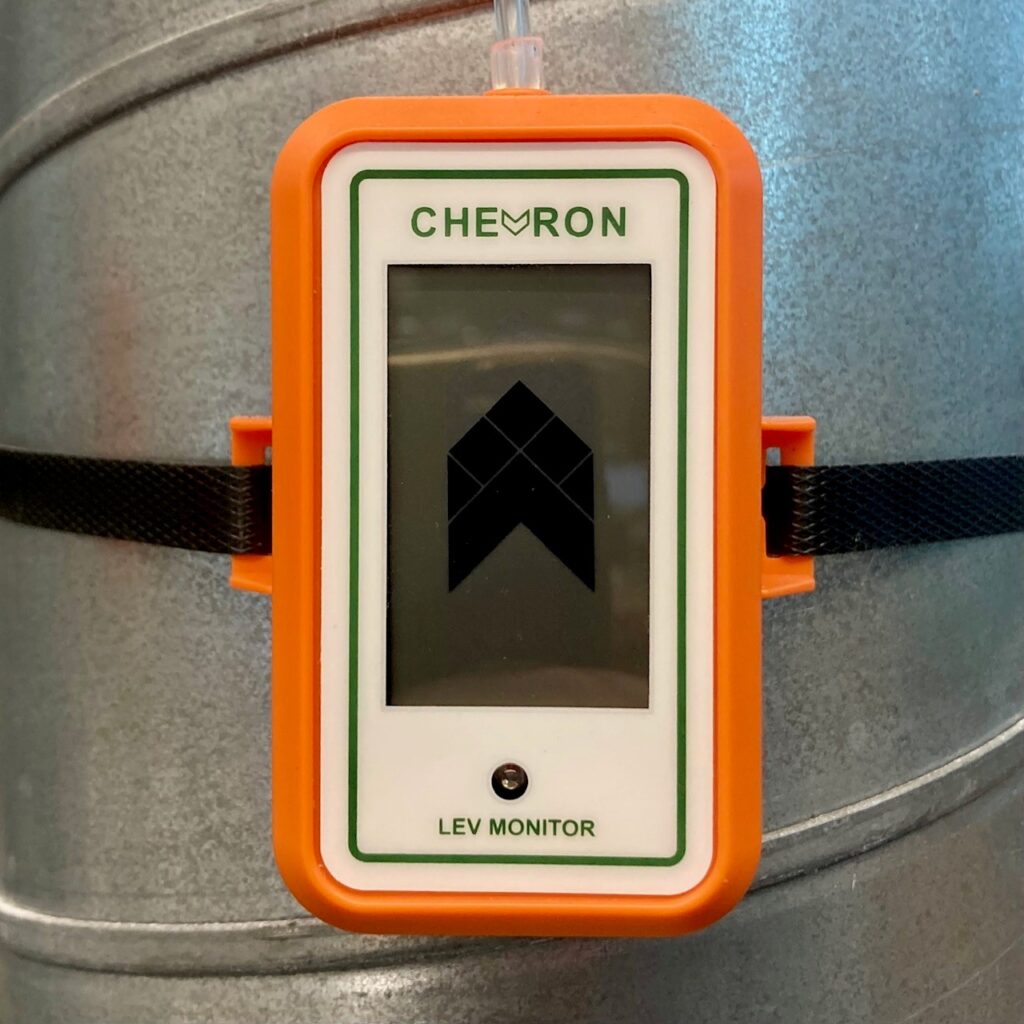
Once the laser cutter extraction has turned on fully and is running properly the Chevron LEV monitors attached to the extraction ducts will show a moving arrow animation.
If the LEV monitors are showing a flashing X symbol, do not use the laser cutters and ask a member of technical staff for help.
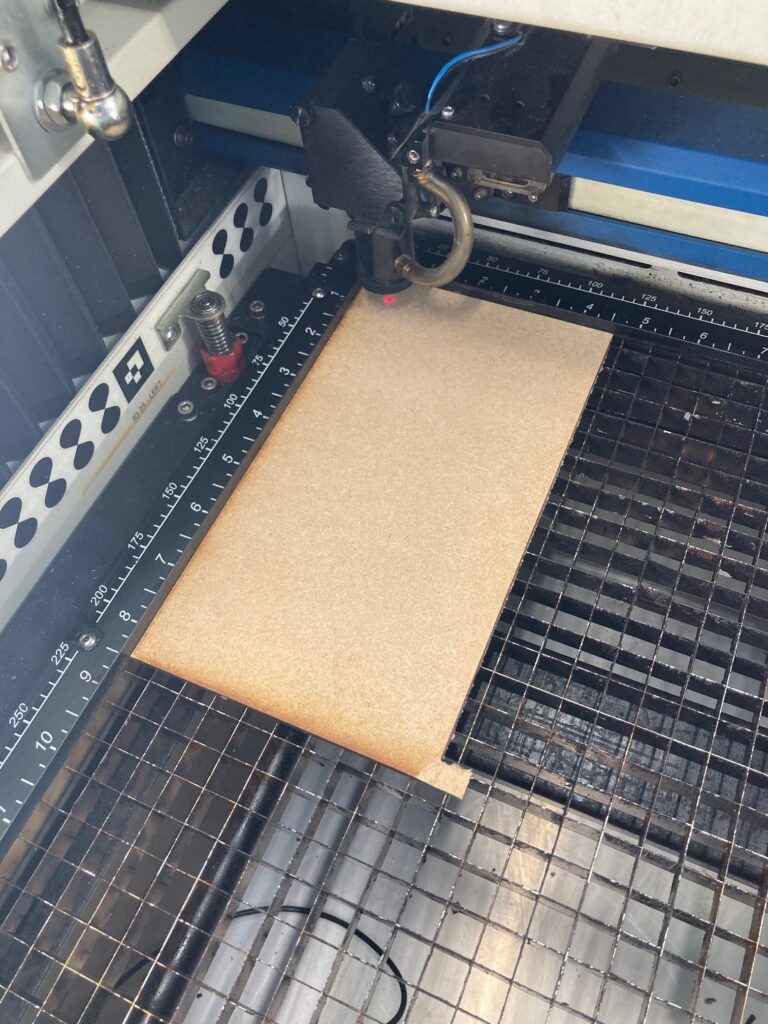
Place your material onto the laser cutter bed.
We recommend that you put it in the top left hand corner of the machine.
Make sure the material is flat and not bent or warped.
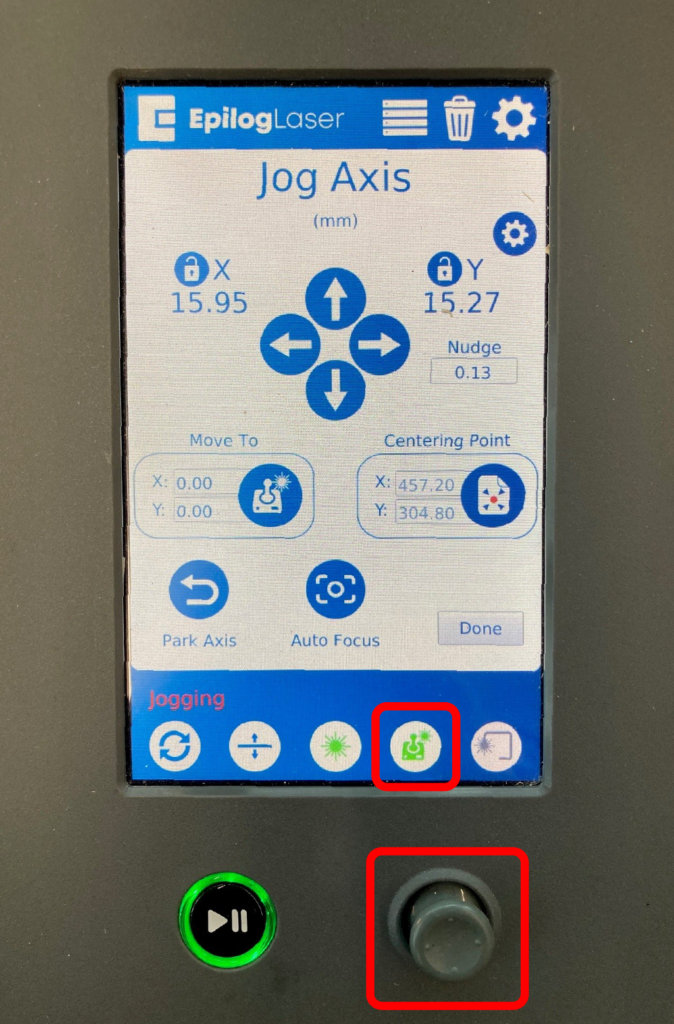
Press the joystick icon on the screen – bottom row, fourth from left.
Once you’re in the Jog Axis mode, use the actual joystick to move the head of the laser cutter.
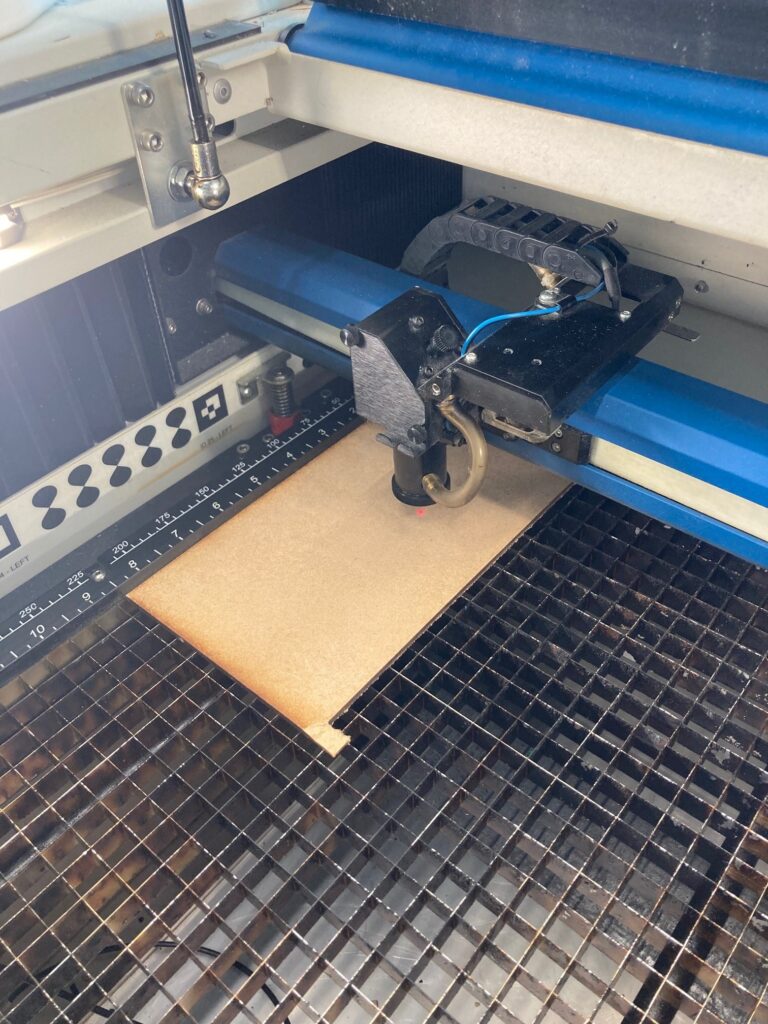
Move the head of the laser cutter over your material.
The head must be far enough away from the ruler edges of the bed that the head won’t run into it during the focusing operation.
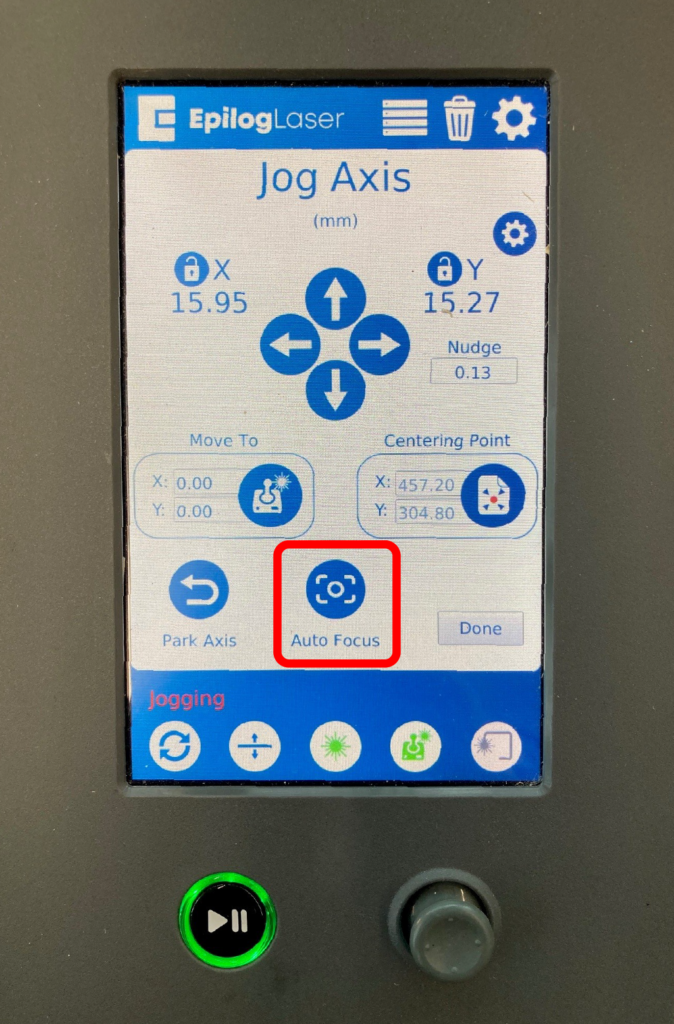
Press the Auto Focus icon on the screen to focus the laser onto the top of the material.
It’s important to do this focusing step each time you change material – even if it’s the same type. This is especially important with organic, variable material like plywood where the thickness can vary quite substantially between pieces.
If the laser cutter isn’t focused correctly it won’t cut through the material properly.
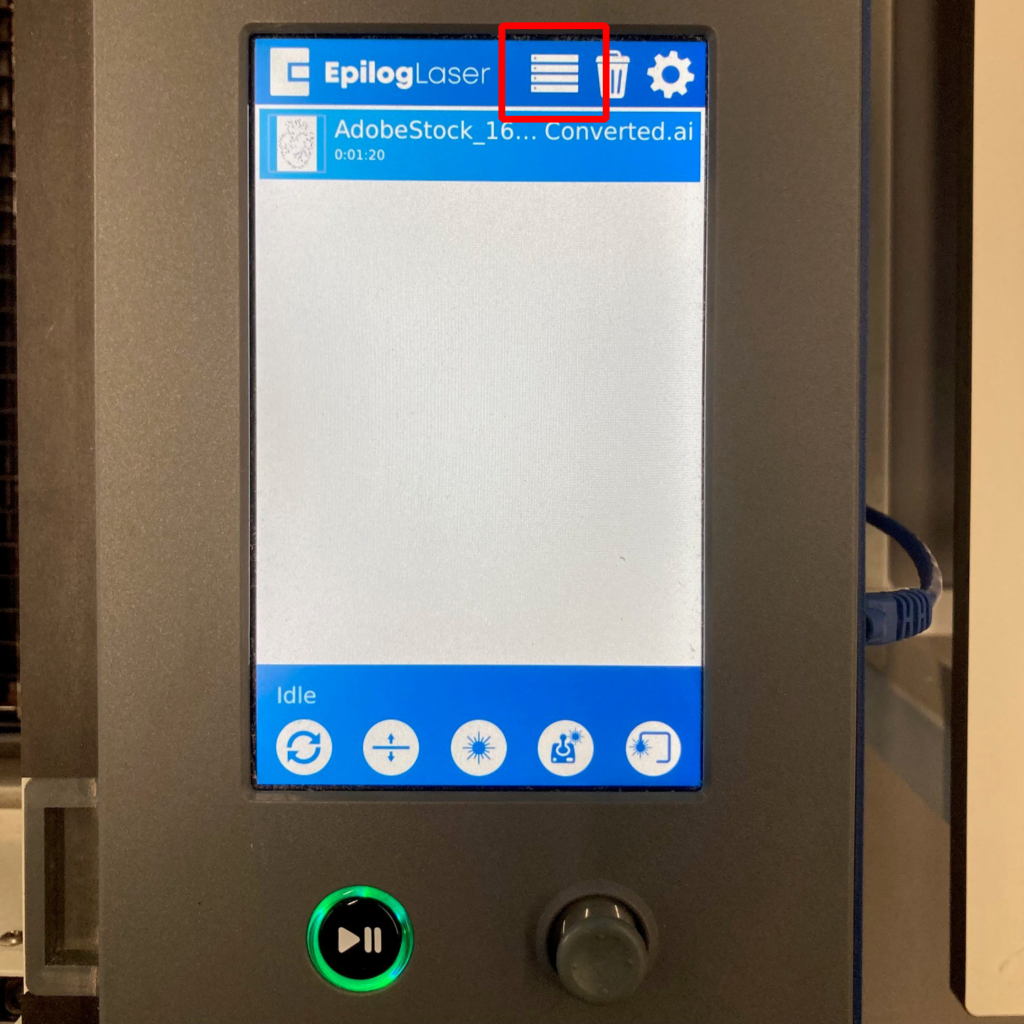
Once you’ve focused the laser, click the hamburger menu icon at the top of the screen.
Select your job from the list by tapping on it.
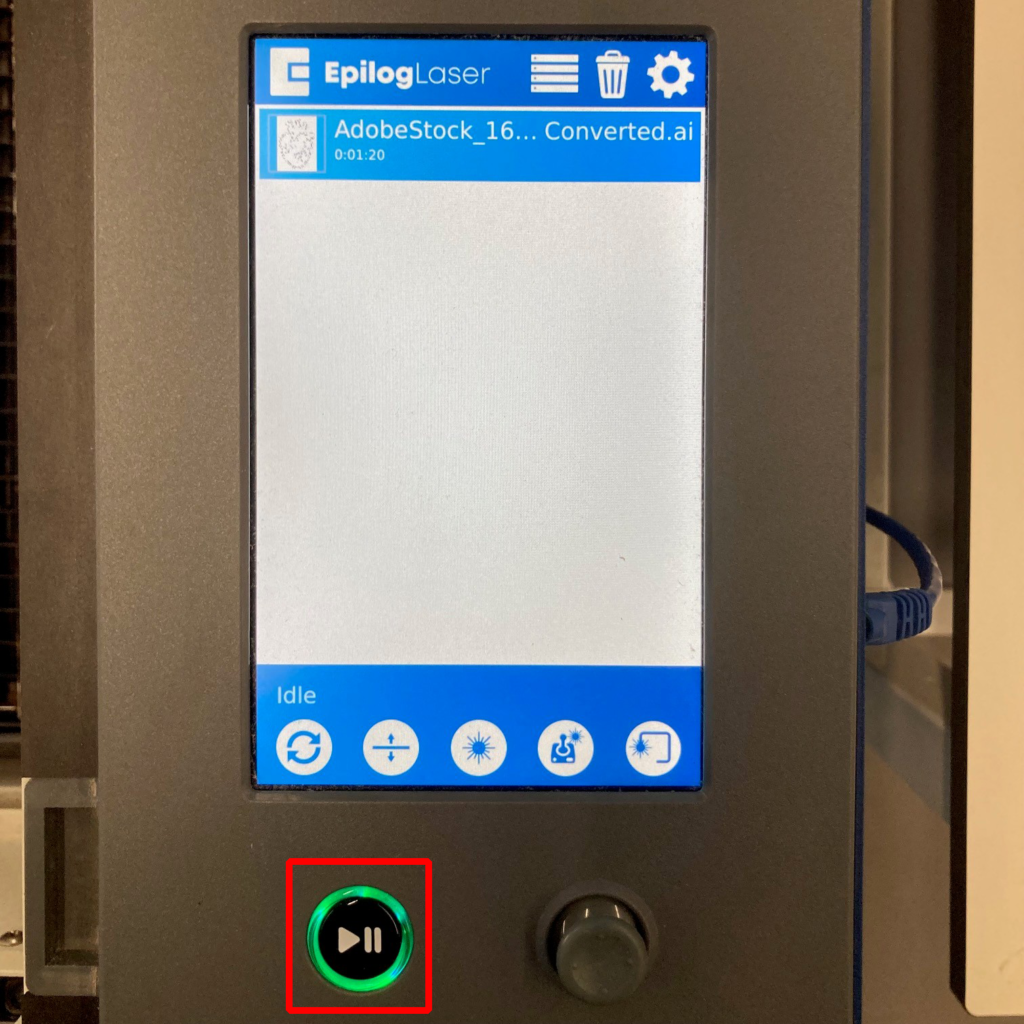
Once you are ready, press the Play/Pause button to start the cutting.
If you need to stop or pause the laser cutting at any time you can press the Play/Pause button again. The laser will finish the section it is working on and then stop and wait. Press Play again to continue.
If you need to leave the machine, press pause and wait for the machine to stop before stepping away.
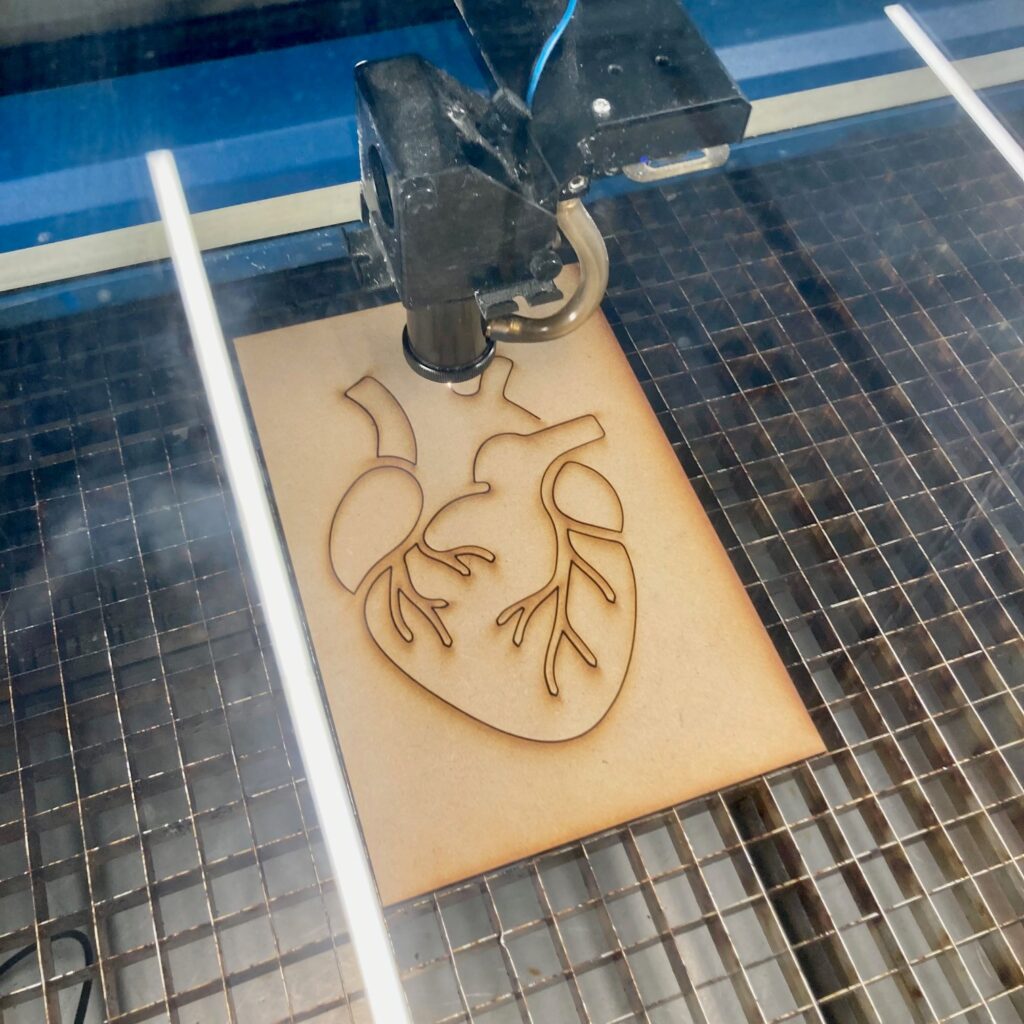
The laser will now be cutting your design!
You must not leave the laser cutter running unattended. There is a small but very serious risk of fire and equipment damage if the machine is not monitored.
A small flame that moves with the laser head is normal, but flame which is not where the laser head is is abnormal.
In the event of a fire press the Emergency Stop button (if there is one) or turn the power off and immediately call a member of technical staff.
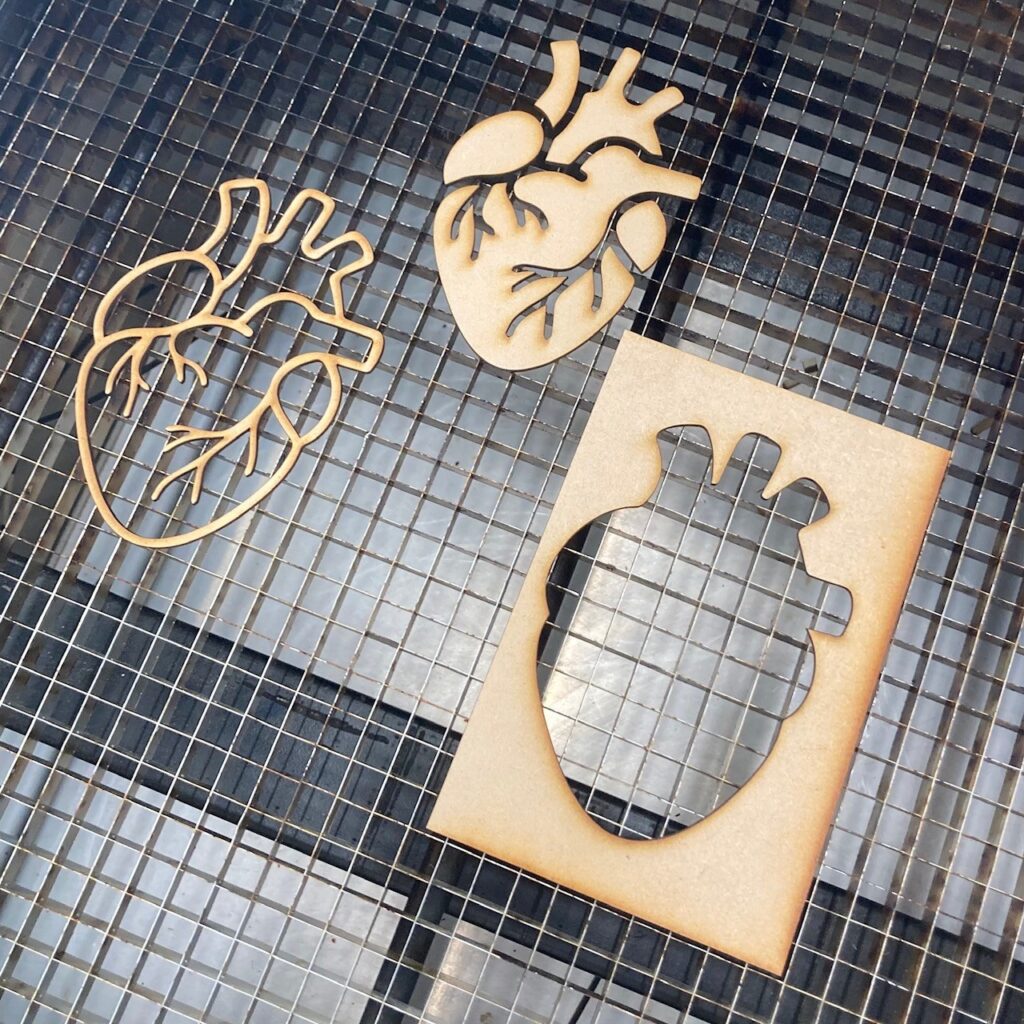
Once the laser cutter is finished you’re all done!
Clear out any material remnants and cut pieces from the machine. If you’re finished and nobody’s waiting to use the machine turn it off to save power.